Aetherboard · local files
Four spaces. Real folders.
Work, Life, Learning and Scratch are not labels painted over a cloud database. They are real folders on your computer, filled with boards you can see, move and back up.
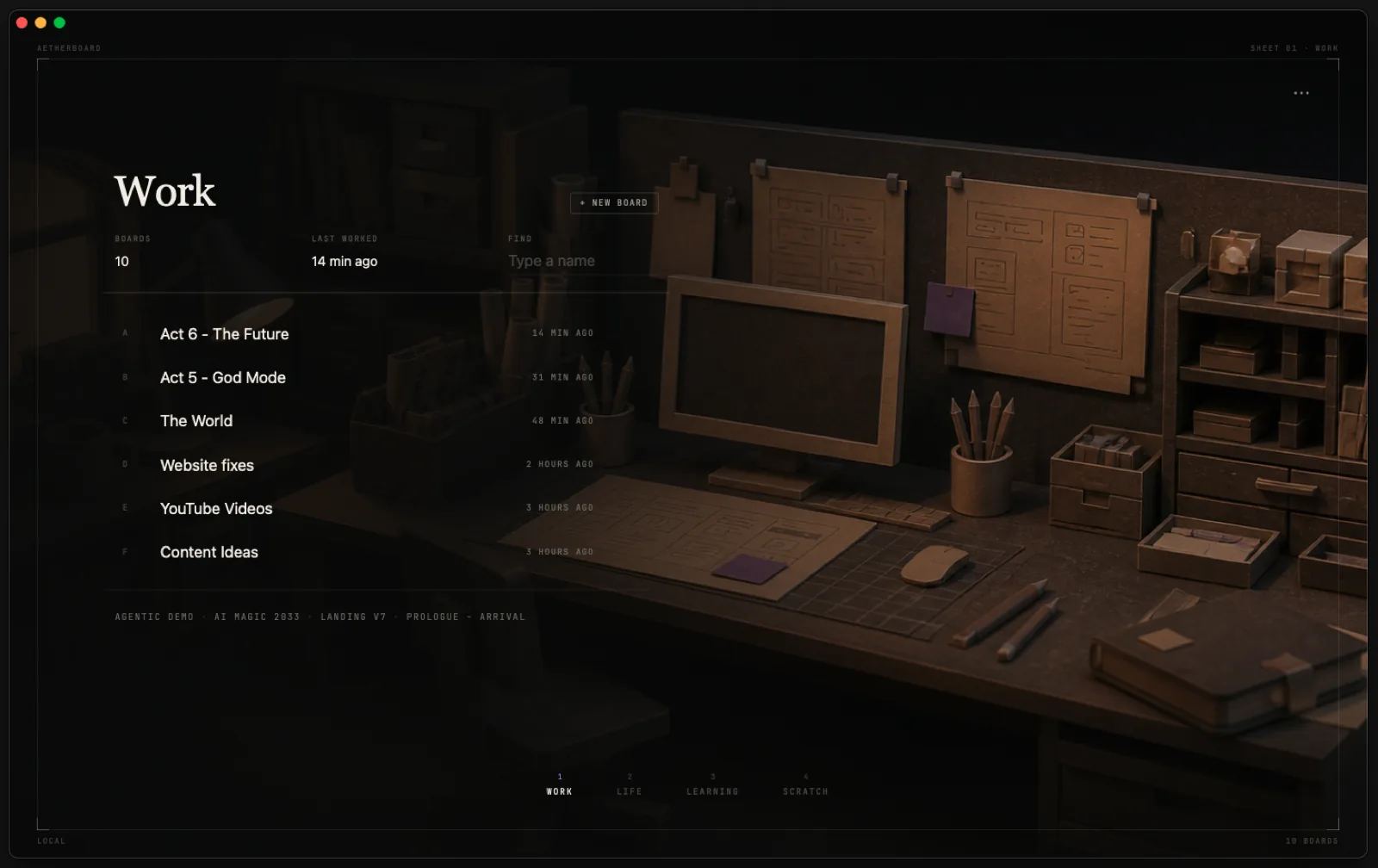
Move boards in Finder
Move a complete board folder from Work to Learning and Aetherboard follows the same structure.
Keep the images
Images live beside the board that uses them instead of disappearing into an inaccessible library.
Recover quietly
Rolling recovery copies stay out of sight until something goes wrong. Portable backups are yours to keep elsewhere.
Leave without exporting
The content already lives on your computer in readable files. There is no hostage negotiation with the cloud.
A practical kind of privacy
Offline is not a mode. It is the default.
Once installed, Aetherboard does not need an account, activation code or recurring connection to open your boards. The app cannot promise what you do with the files afterward; it can promise not to upload them merely because you drew something.
Bring your own tools
A folder is an interface too.
Finder, File Explorer, backup software, scripts and compatible AI agents can all work with the same library.
See the AI workflow →